
The modern smart home has a fundamental privacy problem: convenience is often purchased with an open window into your private life. Inexpensive cameras, smart plugs, and light bulbs frequently require proprietary cloud servers just to function. When that server goes down, or if the manufacturer changes its privacy policy, your hardware becomes useless or, worse, compromised.
This dependency exposes household routines to potential external threats. My network analysis of popular budget smart plugs, for instance, has shown constant outbound connections to external hosting providers—often unencrypted—leaving usage patterns vulnerable.
You do not have to abandon automation to secure your home. By selecting devices that support open-source, local communication protocols, you can run your house without a single byte of user data leaving your router. Here is what to look for and the hardware that delivers it.
Why Cloud-Dependent Devices Pose a Risk
Every time a cloud-based smart plug toggles, it often sends a packet through an external server. If that server is compromised, a malicious actor could theoretically gain a foothold inside your local subnet. Relying on cloud infrastructure also means your "smart" home is only as smart as your internet connection. Providers like AWS and Cloudflare have become the backbone of the internet; when they experience outages, smart devices lose their intelligence.
The Local Control Architecture
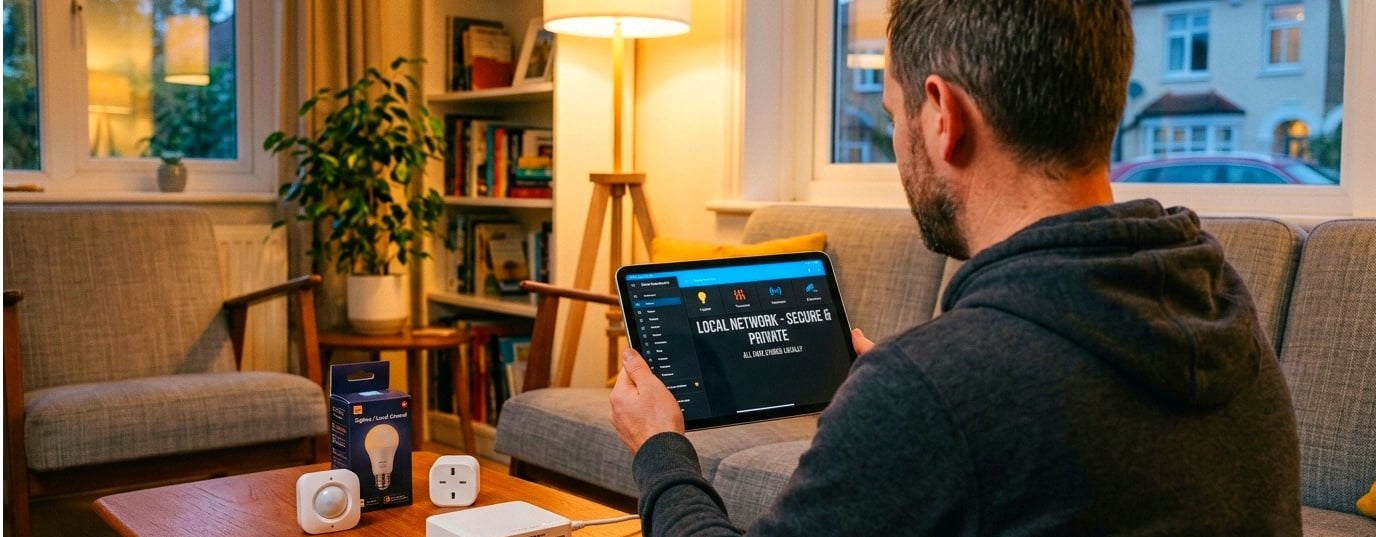
You can escape this dependency through a local-first architecture. The linchpin is often a hub like Home Assistant, an open-source platform that prioritizes local device control. It processes commands within your home network, ensuring that data never leaves your walls.
To build this system, look for hardware that supports specific wireless protocols designed for local communication. Both Zigbee and Z-Wave create independent mesh networks that do not rely on Wi-Fi, enabling direct communication between devices and a local hub. They use AES-128 symmetric encryption, offering a secure communication channel that functions even during an internet blackout.
Hardware Recommendations for a Private Setup
The Local Smart Switch
Cloud-based switches often require a mobile app and a server to function. Instead, a Z-Wave 800 series or Zigbee 3.0 switch communicates on a sub-1GHz or 2.4GHz mesh network that exists entirely within your home. These switches typically feature a "smart bulb mode," keeping the relay powered even when "off" to maintain smart features. The switch continues working even if the Wi-Fi goes out because it isn't reliant on an internet connection.
The Offline Voice Assistant
Devices like the Emerson Smart line (including their SmartVoice plug) house the voice assistant technology entirely on the device itself. They function without Wi-Fi, without apps, and without sending voice data to corporate servers. You simply plug them in and start giving commands. For more advanced users, open-source projects like ATHENA allow you to build a DIY local voice assistant using a Raspberry Pi to process commands locally.
The PoE Security Camera
Opt for a Power over Ethernet (PoE) camera over a cloud-based model. These cameras send video over a physical wire to a local network video recorder (NVR) or NAS. This allows for high bitrate 4K recording that works even when Wi-Fi fails. Products like the Reolink Video Doorbell PoE offer continuous 24/7 recording to local storage via microSD or an NVR without any monthly subscription fees. While you do not have to spend six months testing them as I have, look for models that support microSD or NVR compatibility to ensure zero cloud dependency.
The Final Verdict
Before purchasing your next smart accessory, check the wireless protocol. Look for hardware utilizing local-only standards that do not require proprietary mobile apps or internet access to configure. Taking the time to set up a secure, local-first system protects your network from external interference and ensures that your home remains truly yours.